In Order to purchase tickets, you'll need money in your EvoPay balance, which you can fund by Depositing money into from your connected Bank Account.
Hold your cursor over the tab labeled Orders.
On the drop down menu select EvoPay Management.
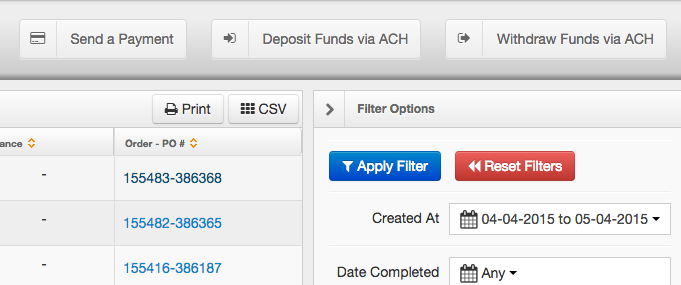
This will bring you to the EvoPay Management page within Core. From here click the button labeled Deposit Funds via ACH.
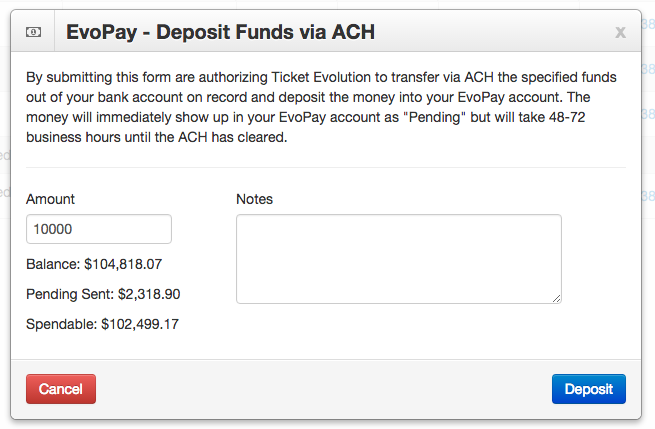
A pop up window will appear in which to enter the amount you would like to add to your EvoPay balance. Once you enter the Amount value in the given space, press the blue Deposit button.
0 Comments